
Step 4: Authentication Method
Overview
This page describes step 4 of the application configuration flow, defining the Authentication Method.
See Also:
Sign-in Settings
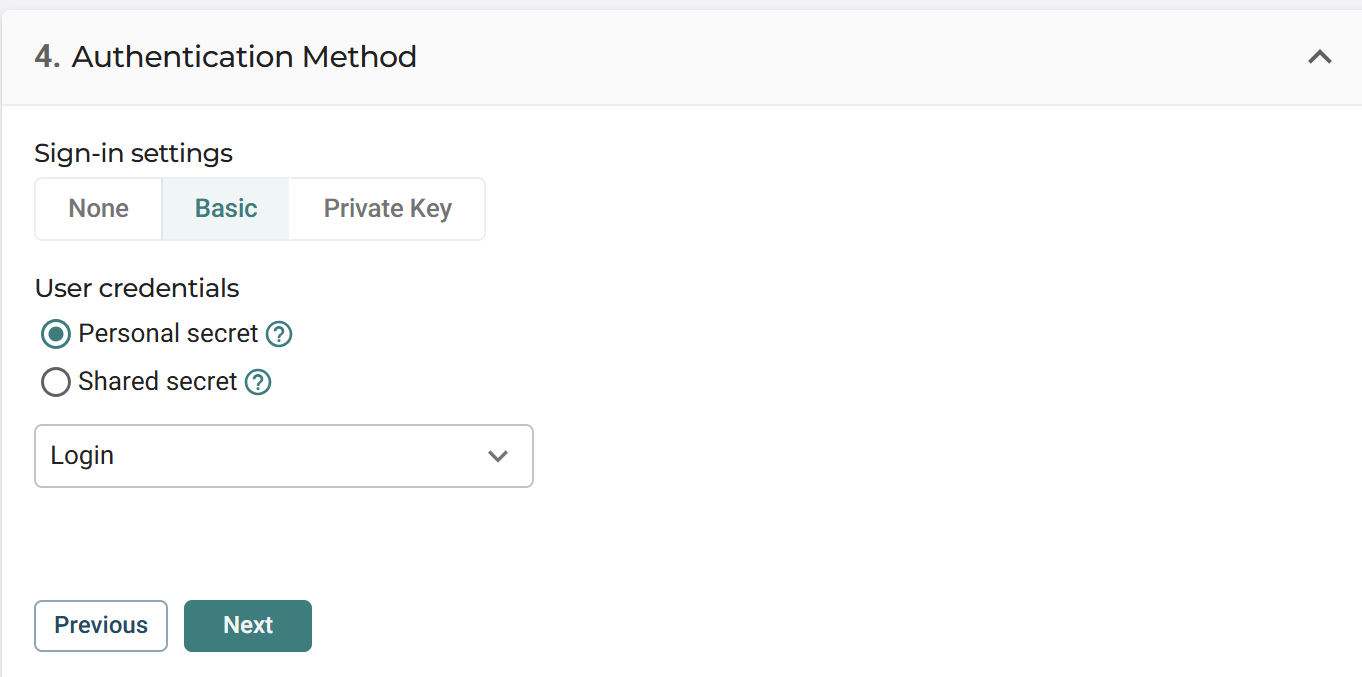
Select how users authenticate when accessing the application.
The available sign-in methods are:
- None
- Basic
- Private Key
None
No authentication is performed by Cyolo.
Access to the application is not authenticated at the connection level.
Basic
Uses username and password authentication.
User credentials
When Basic is selected, choose how credentials are managed:
- Personal secret: Each user provides their own credentials
- Shared secret: A single set of credentials is shared across users
Select the credential source from the dropdown.
Private Key
Uses key-based authentication.
Typically used for connections such as SSH where authentication is performed using a private key.
Additional credential selection is required.
Updated 4 months ago
What’s Next
Did this page help you?