
Adding Application Categories
Categories help both users and admins organize applications into groups based on functionality, purpose, convenience, or any other parameter that the end user or administrator may deem necessary. Both end users and portal admins can create categories. End users can create categories on their respective Applications Portal. Admins can create it on the admin portal.
On the Categories page, click the New button in the top right corner of the screen.
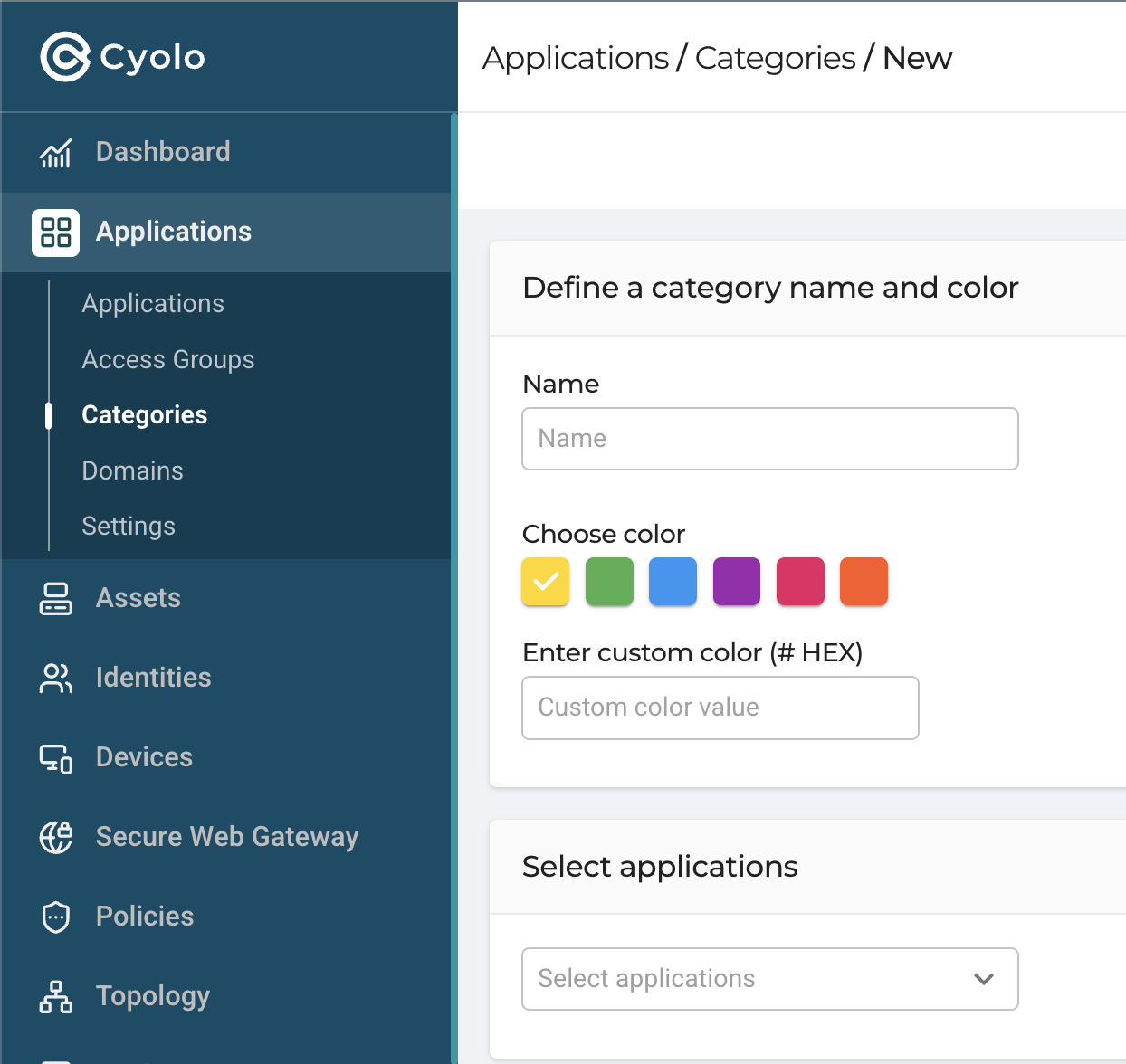
Define a category name and color - Enter a name for the category and choose a color from the palette displayed. Or enter a colour scheme in the box, like in this example: #2C001E
Select applications - Click the drop-down and select the applications that will be members of this category.
Click Done to create the category.
Updated 6 months ago